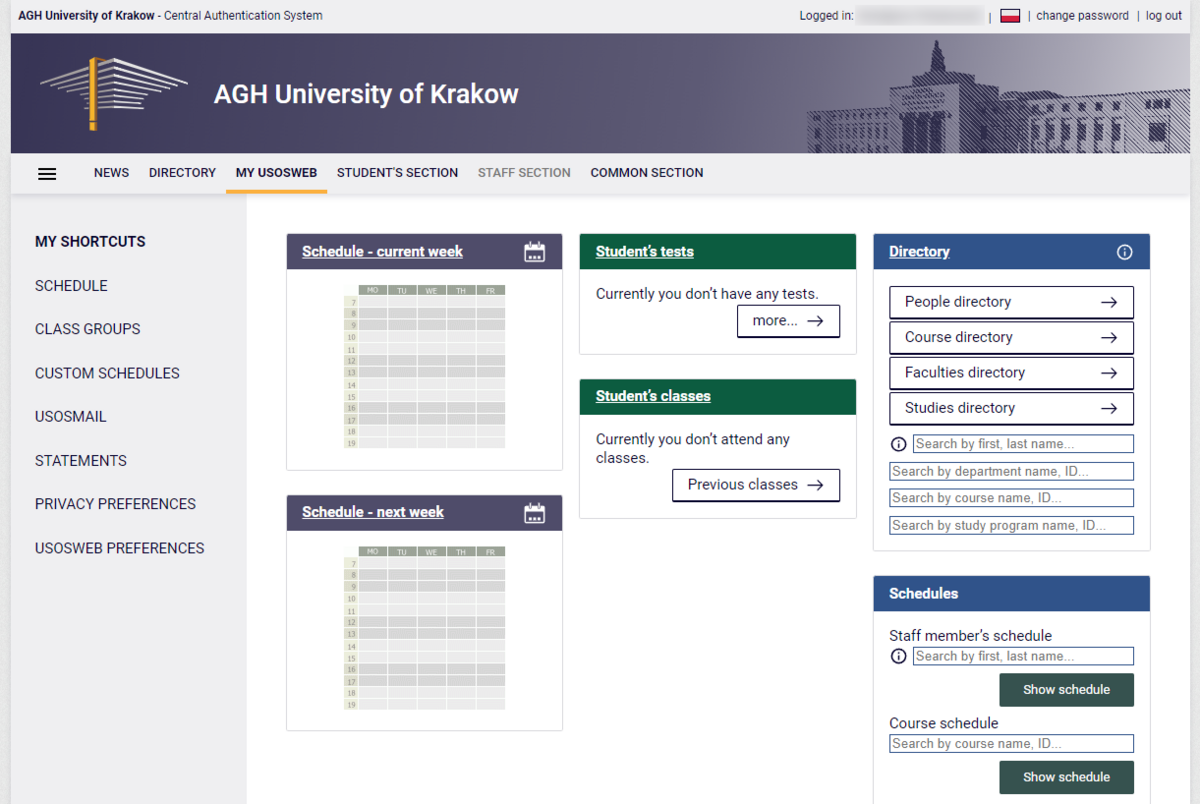
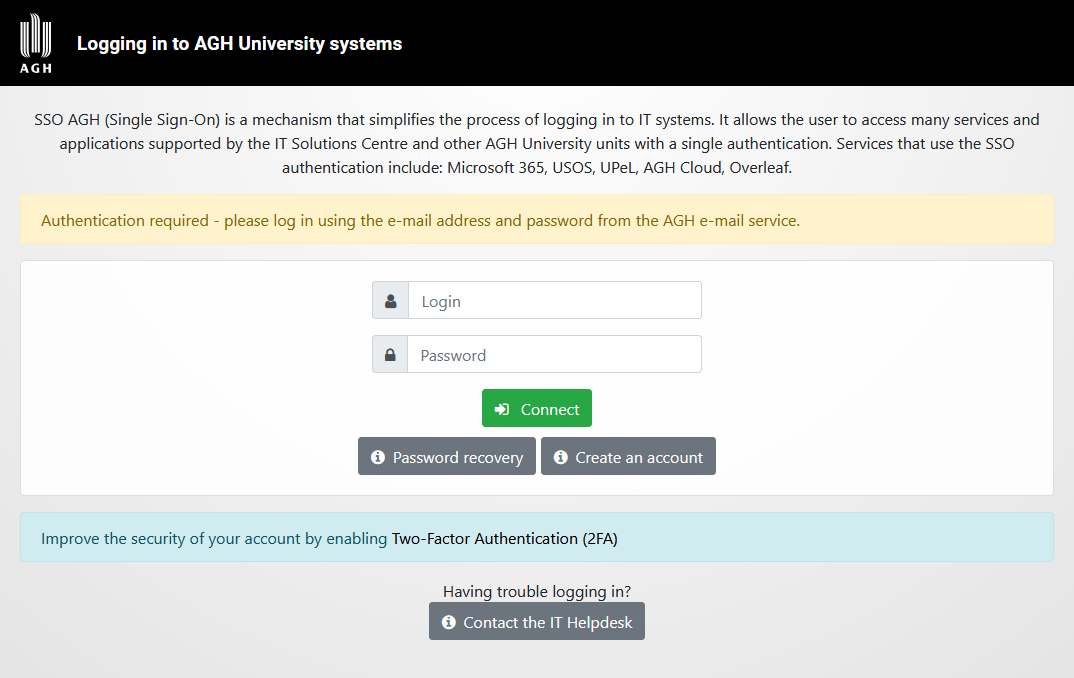
The USOS system sign-in uses the AGH SSO authorisation, which provides access to many other services, such as: UPeL, Microsoft 365, AGH Cloud and Overleaf.
To log in to USOS:
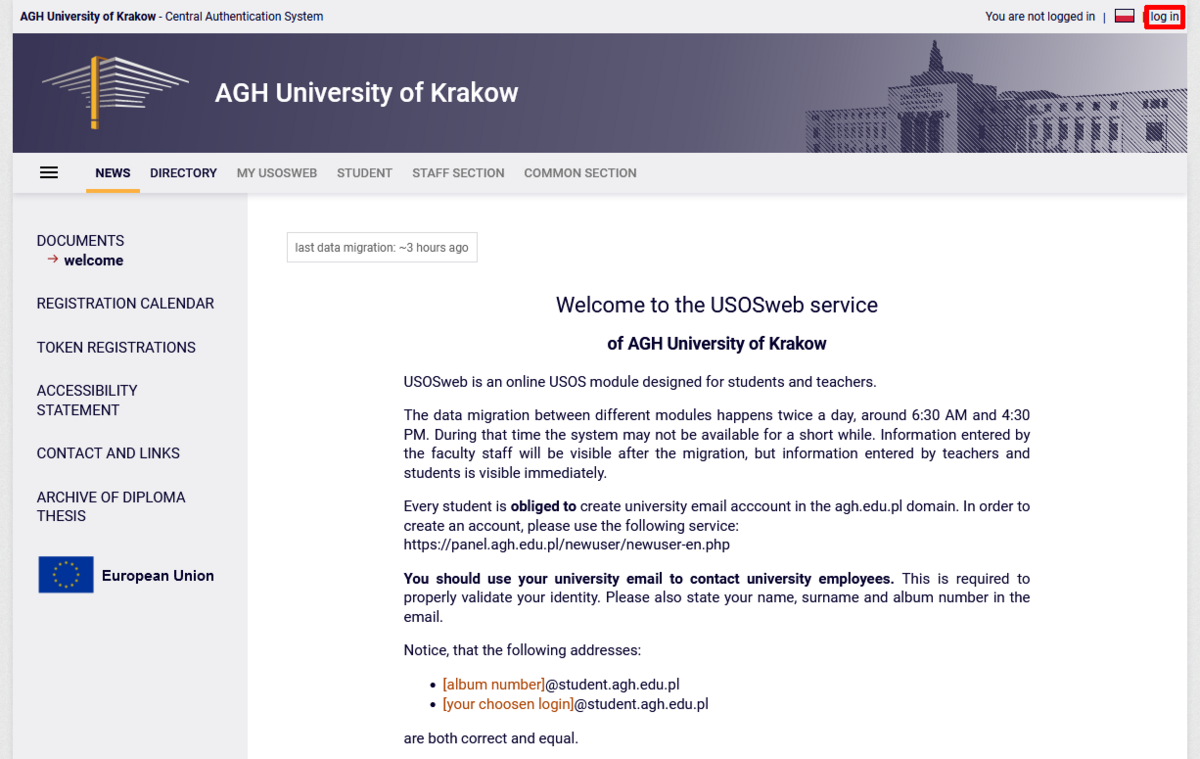
- Go to web.usos.agh.edu.pl and click the "Log in" button located in the top right corner of the page.
Attention
If you do not have an AGH e-mail account, please follow the instructions: AGH e-mail account registration.
If you have enabled two-factor authentication for AGH SSO, the system will prompt you to use your second factor to finish the authorisation process. We recommend enabling two-factor authentication to each user in order to protect their data. Read more: Two-factor authentication.