Attention employees
To gain access to the desktop version of the Microsoft 365 apps (installed on the computer), you need to first log in to the AGH Panel, open the "Microsoft" tab and click the "Activate license" button. Wait at least 60 minutes before proceeding with the next steps of the installation.

- To install the Microsoft 365 applications, go to m365.cloud.microsoft and log in (Logging in to Microsoft 365 Copilot). Switch to the "Apps" tab in the menu on the left side.


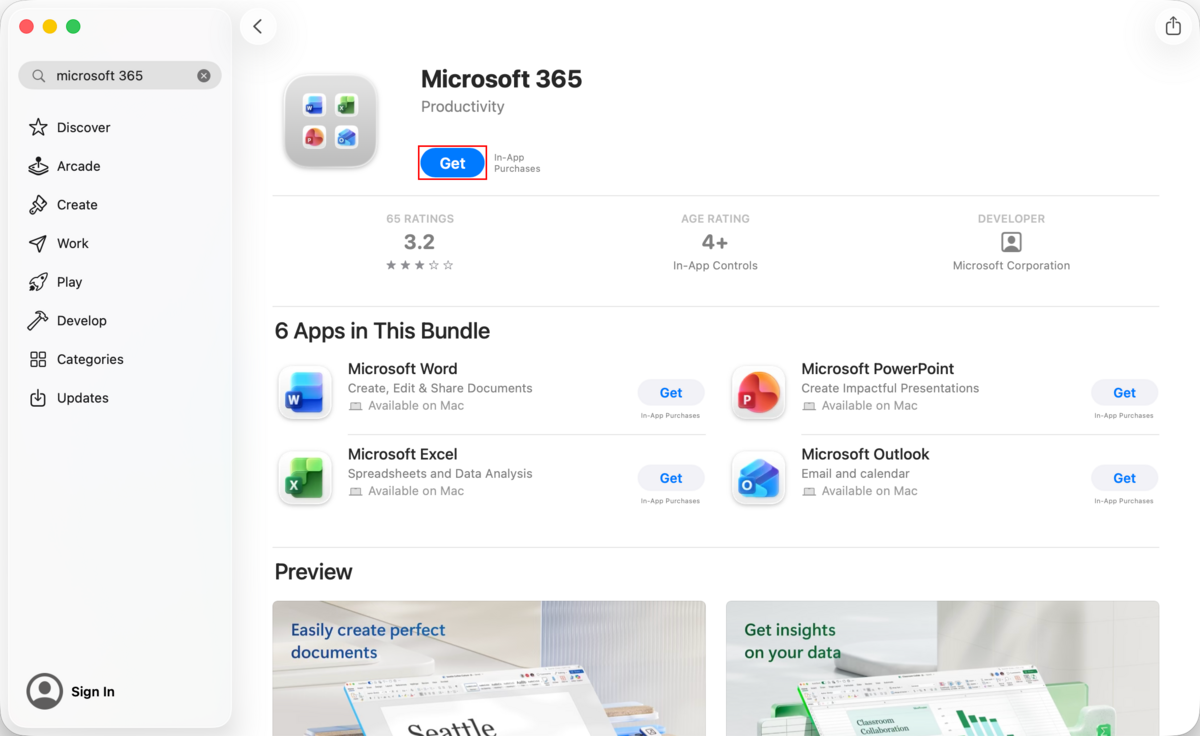
- Go to the App Store and search for “Microsoft 365”. Press the “Get” button and then “Install”. You can close the App Store window as the installation will proceed in the background.
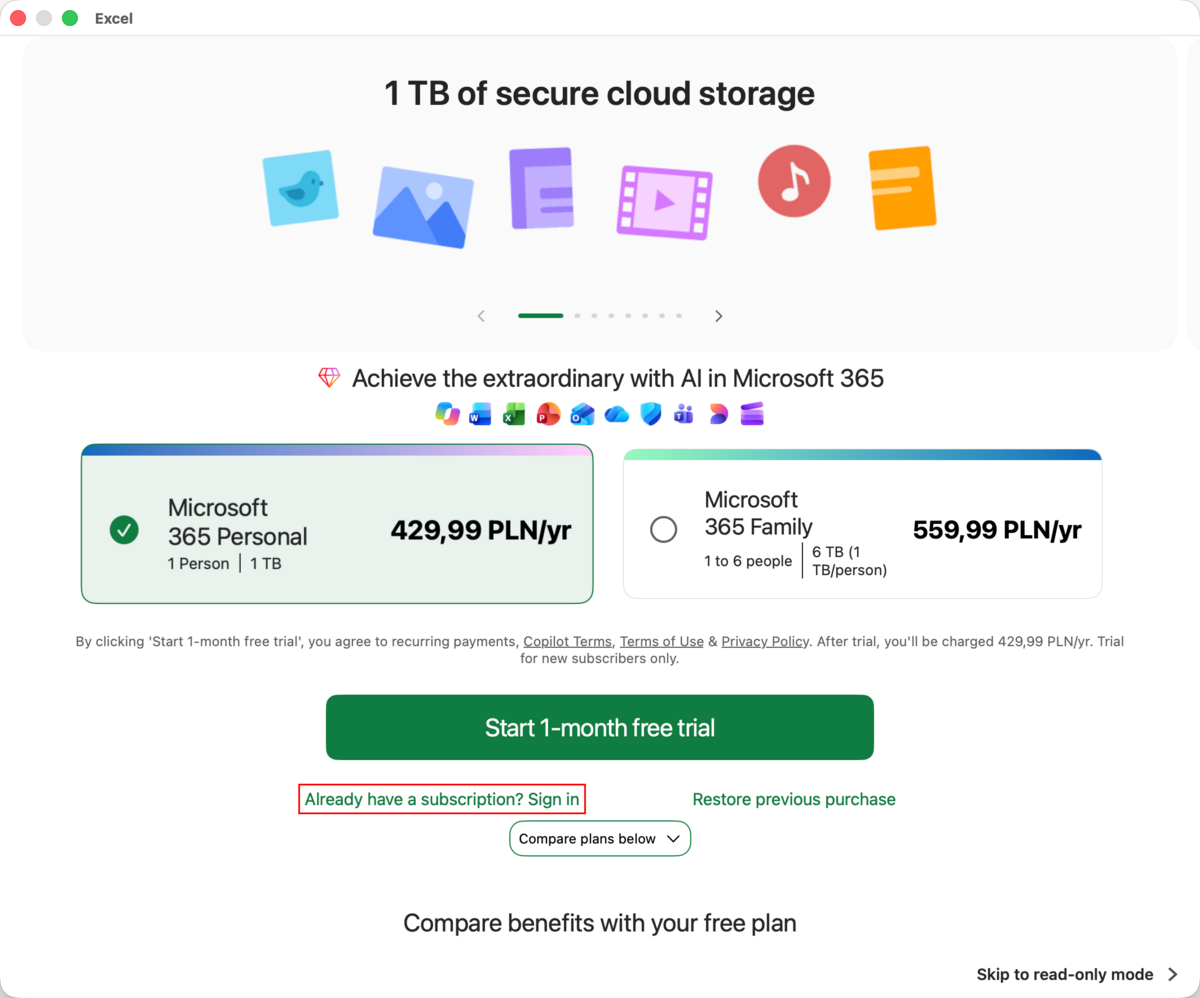
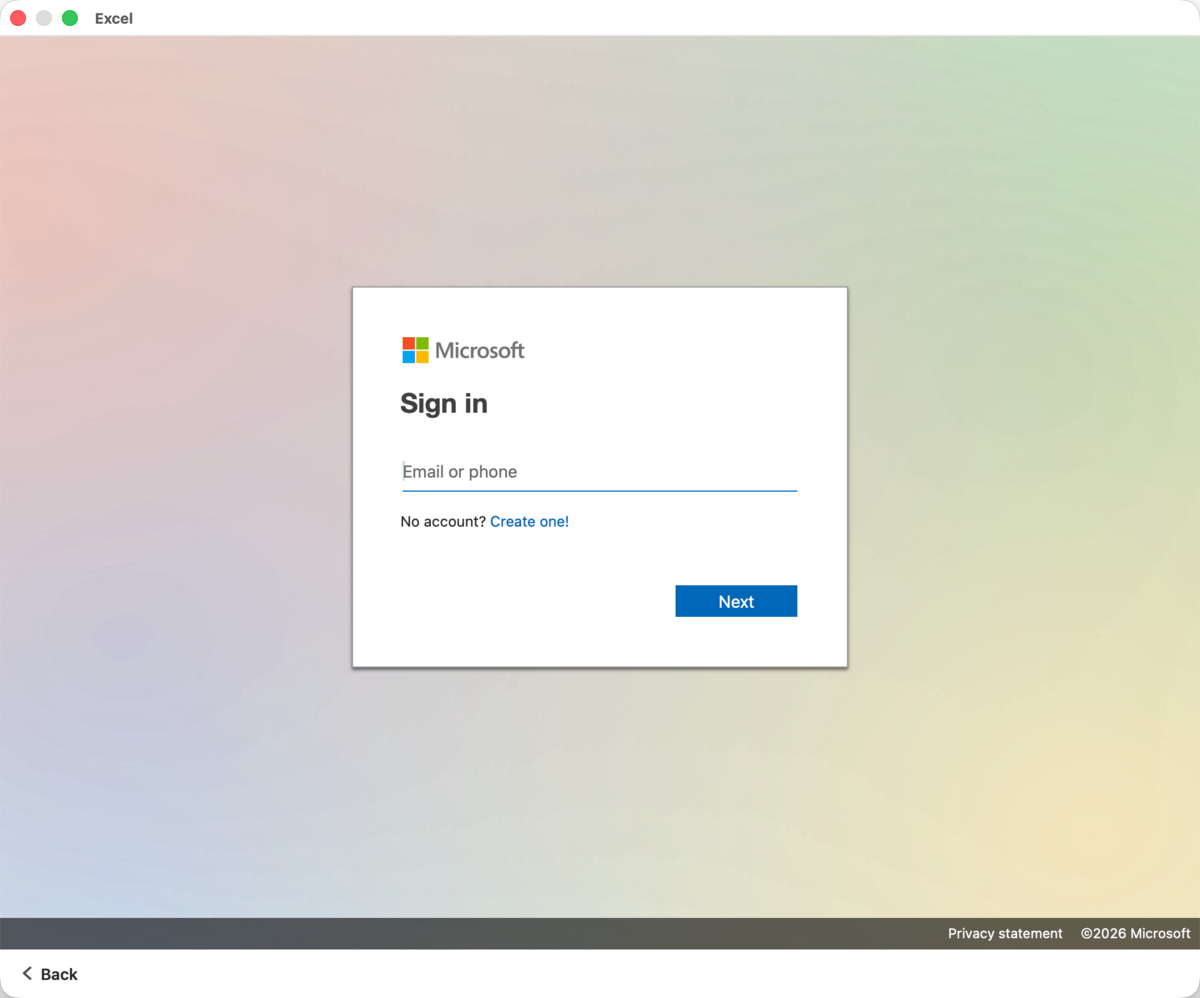
- Once the applications are installed, open one of them, e.g., Word and click the “Already have a subscription? Sign in” button at the bottom of window.