Other people’s certificates are downloaded in the form of a so-called public key. This will enable you to encrypt messages sent to people whose public certificates you hold.
- Open Mozilla Thunderbird, then access the settings by clicking the icon with three horizontal lines located below the close button, and select “Account settings”.


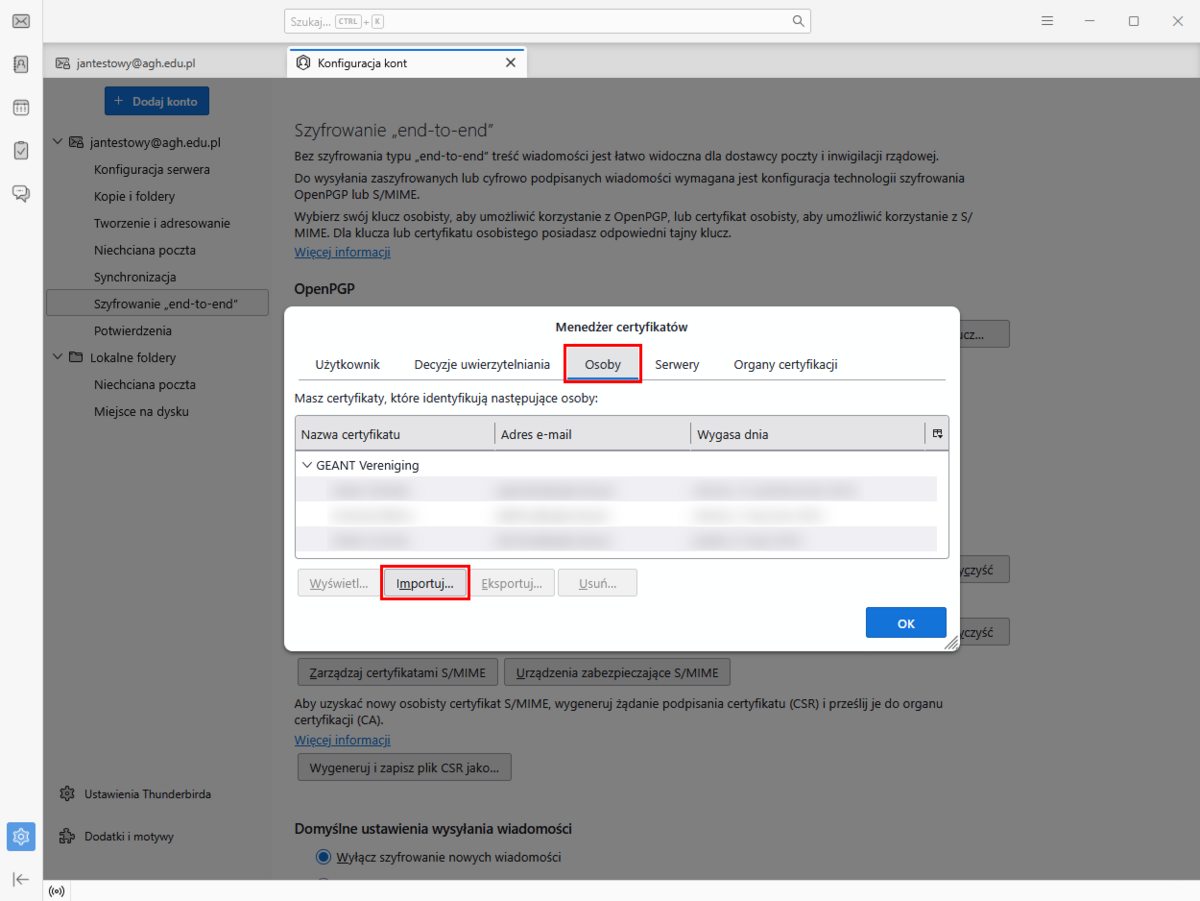
- Select the downloaded certificate file (with the extension “*.pem” or “*.p7b”) and click the “Open” button. If you do not yet have such a file, download it as described in the guide: Downloading other people’s public certificates.
The public keys have been added to your email programme. You can now send encrypted messages. See the guide for details: Encrypting email in Thunderbird.
Important
To encrypt messages in Thunderbird, you also need to add your own certificate. For details, see the guide: Importing your own email certificate into Thunderbird.
Info
We also encourage you to take a look at the Frequently Asked Questions (FAQ) section.

